Scribix / Field notes for creators
Good clips start with good decisions.
Practical guides for turning long conversations into short videos that make sense. Choose the moment. Keep the meaning. Review the result.
The guides
English editionSelection & review · 7 min read
A podcast clip worth sharing starts with a complete thought.
A practical podcast clip checklist: review context, the cut, captions, framing, and the final file before you publish. Includes a printable review sheet.
Read the guide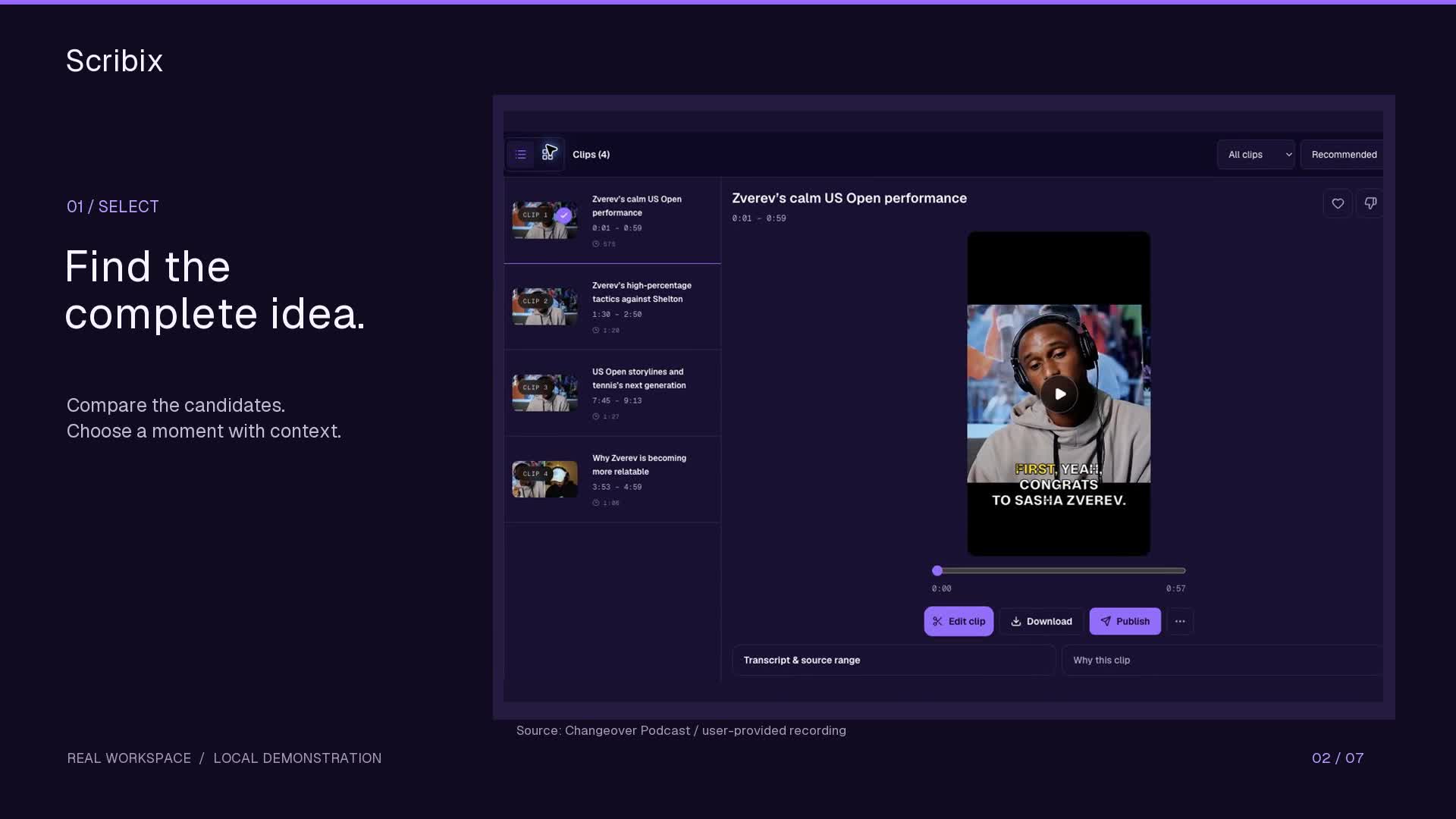
Podcast workflow · 6 min read
How to clip podcasts for TikTok.
Choose a complete podcast moment, refine its vertical framing and captions, and export a clip for TikTok with Scribix.
Read the guide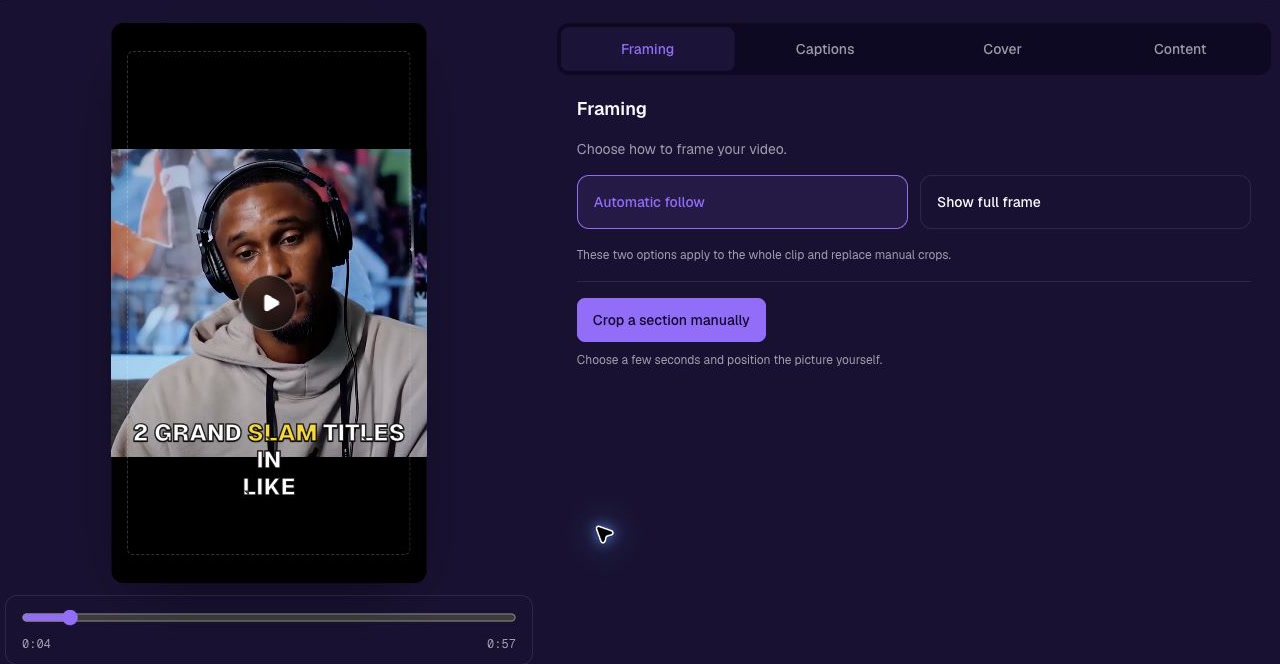
Framing guide · 6 min read
How to turn horizontal video vertical without cutting off speakers
Choose between cropping and keeping the full frame. Learn how to reframe one speaker, a two-person interview or a screen recording for a 9:16 clip.
Read the guide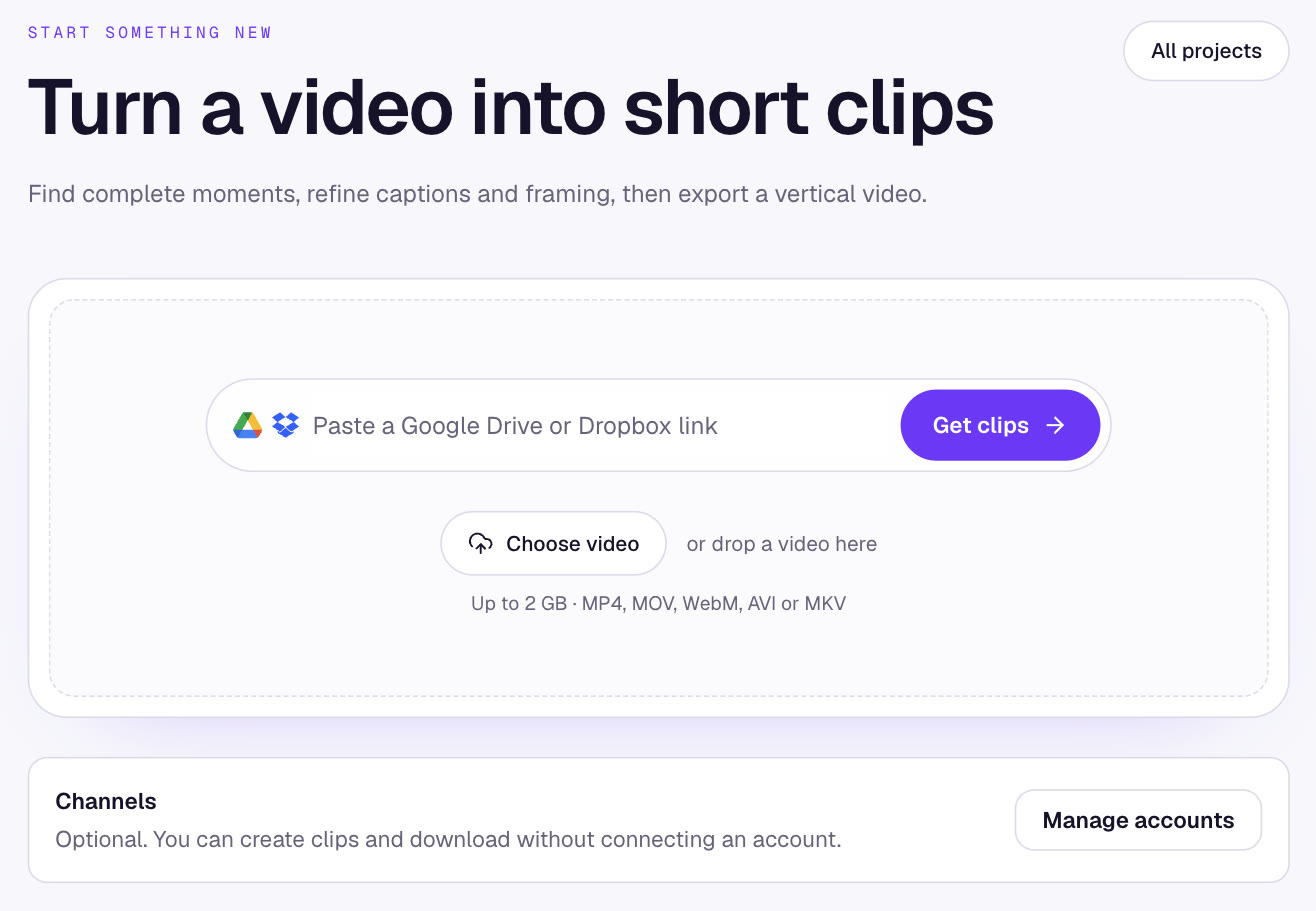
Clipping guide · 9 min read
Whop clipping: how to start and get paid
Whop clipping explained: how Content Rewards campaigns pay per view, how to find and pick a campaign, cut vertical clips, submit your posts and withdraw your earnings.
Read the guide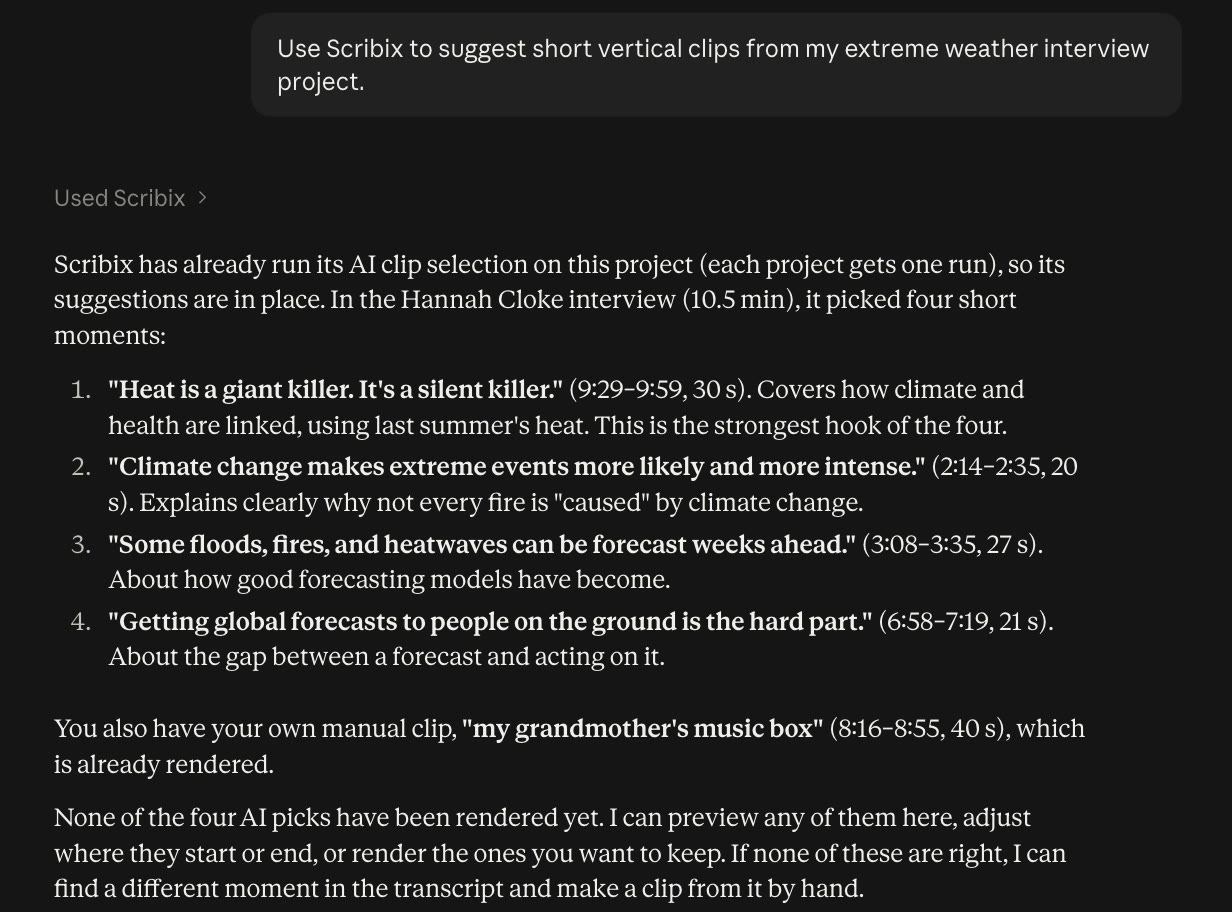
Tool comparison · 10 min read
Best AI tools for Whop clipping in 2026
Compare Scribix, OpusClip, Vizard, Ssemble, Submagic, CapCut and ClipRadar for Whop Content Rewards: pricing models, free plans, source imports and the cost of each approved clip.
Read the guide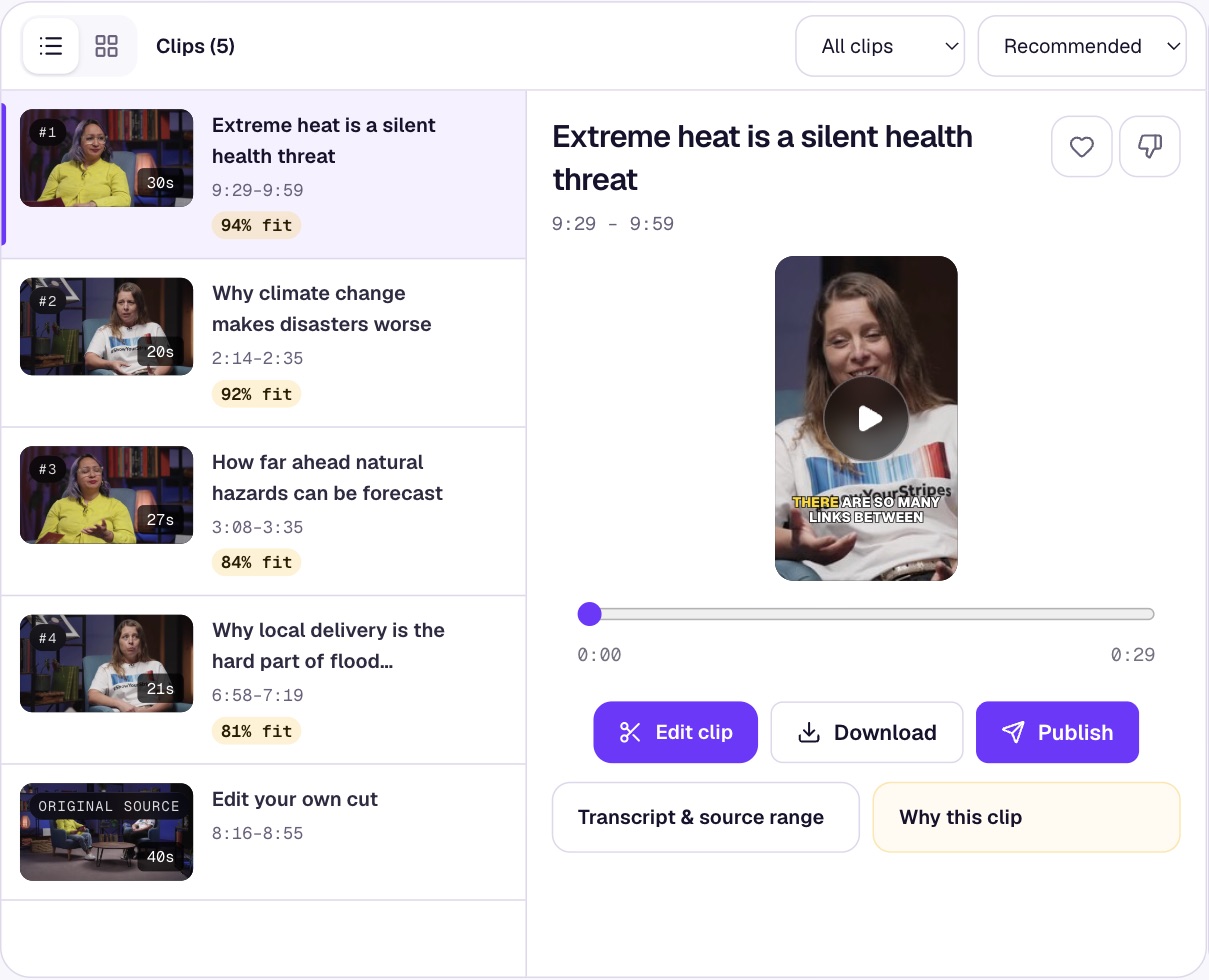
Clipping guide · 9 min read
Clipping for money: three ways to get paid for short clips
How clipping for money works: paid-per-view campaigns on Whop and Vyro, selling clips to creators, and monetizing clips of your own videos, with pay math, rules and risks.
Read the guideScheduling guide · 7 min read
Can you schedule posts on TikTok? How to schedule TikTok posts
Yes. Schedule TikTok videos in TikTok Studio up to 10 days ahead, or use a scheduler for later dates, edits and other platforms. Steps, limits and fixes.
Read the guideScheduling guide · 8 min read
How to schedule YouTube Shorts on desktop, iPhone and Android
Yes, you can schedule YouTube Shorts. Steps for YouTube Studio and the YouTube app, how to change a scheduled Short, limits, and scheduling Shorts in bulk.
Read the guide