Find a complete thought
Look for a moment that makes sense on its own. Review the transcript and source context before you choose what to share.
Long video to short video AI
Turn your podcasts, interviews, and webinars into short clips. Review AI-selected moments, refine captions and vertical framing, and export the clips you want to share.
60 free lifetime processing minutes. Sign up to start.
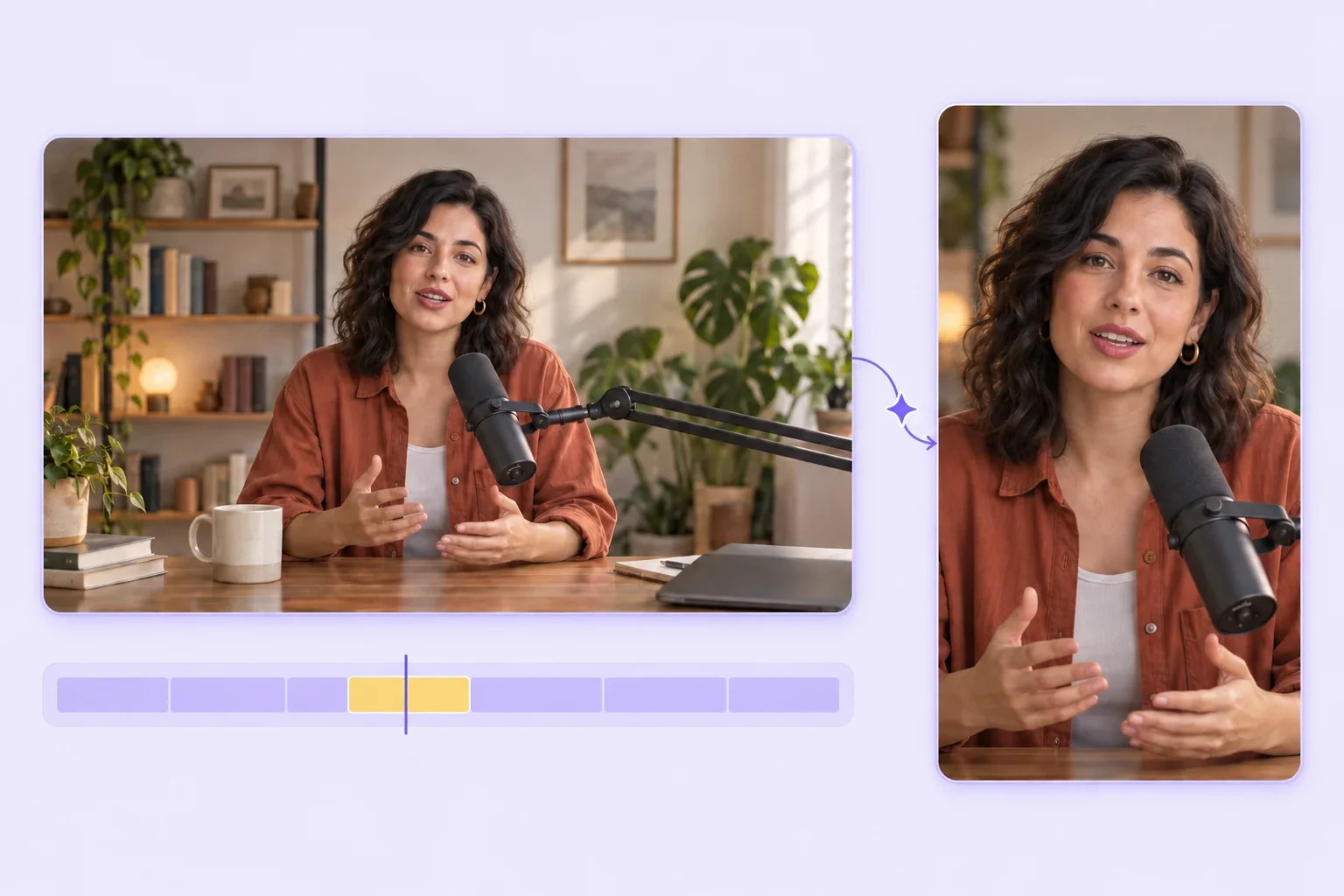
From upload to export
A simple workflow with room for your judgment at every step.
Start with a podcast, interview, webinar, or lesson saved on your device.
Explore AI-selected moments and check each suggestion against the original conversation.
On a paid plan, adjust the cut, correct captions, and fine-tune the vertical framing.
Render your chosen clip and download the video, ready to share on your channels.
Your editorial control
AI gives you a starting point. You decide whether the clip tells the story you intended.
Clip editing is available on paid plans. Compare plans
Look for a moment that makes sense on its own. Review the transcript and source context before you choose what to share.
Adjust the start and end of a clip around the words that matter. Keep the setup and the point together.
Check the portrait crop, keep the speaker in frame, and refine captions so viewers can follow the conversation.
Made for the spoken word
Bring a clear opinion, a memorable story, or a useful answer out of a longer conversation.
Give a practical explanation or takeaway its own clip. Check that any essential visual context still fits the frame.
Turn a focused explanation into a short learning moment, with enough context for someone seeing you for the first time.
Working on a podcast? Explore the podcast clipping guide
Before you upload
Your source, your edits, and what’s included.
Yes, if the file fits your plan’s upload limit and you have enough processing minutes. Free accounts include 60 lifetime processing minutes. If you have fewer minutes left than the video needs, only the covered portion can be processed; review the limit shown before continuing.
Start with speech-led recordings: podcasts, interviews, webinars, lessons, and talking-head videos. Clear audio and self-contained ideas give you useful moments to work with. Review clips that depend on slides, demonstrations, or visual context before exporting.
Yes. Paid plans let you adjust clip boundaries, correct subtitle text, change caption styling, and refine framing. Free users can review and export the original AI-suggested clips. Check every clip for meaning and caption accuracy before sharing.
There is no fixed number. Suggestions depend on the material and the moments that can stand on their own. A video may produce several candidates, a few, or none. Review the suggestions and choose the ones that serve your audience.
For this clipping workflow, upload a video file from your device. Importing a YouTube URL as the source video is not currently supported. Scribix’s separate YouTube transcript tool imports captions; it does not import the source footage for clipping.
Sign up to get 60 lifetime processing minutes, upload video files up to 2 GiB, and review and export original AI-suggested clips. Editing requires a paid plan. Free processing minutes do not reset monthly.
Start with a video you already have
Review the moments. Make them yours. Share when you’re ready.